May 14, 2026
- Keep the Karis brand recognizable and professional
- Ensure the annual theme logo is used correctly
- Make all our communications look polished and connected
Staff can now choose between:

If you haven’t yet set up the standard Karis email signature in your outlook, you can now do it, just follow the instructions here: How to Set Up a Karis Email Signature
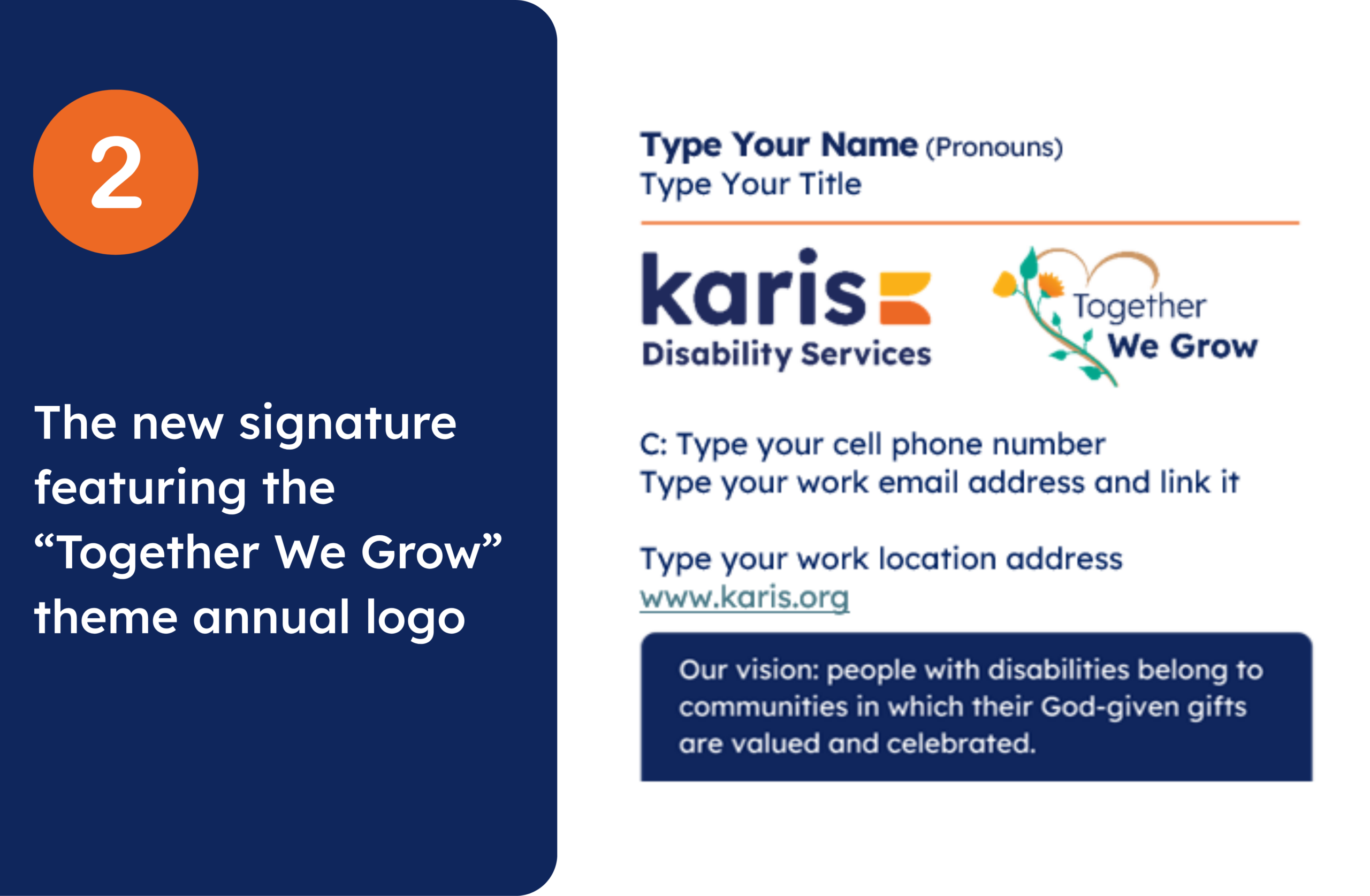
To get set up, simply follow the updated Outlook instructions here: How to Set Up a Karis Email Signature with our Annual Theme
As an added touch, the annual theme logo is clickable — by clicking on it, people will be redirected to Together We Grow page where they can learn more about the story and meaning behind this year’s theme.
You can also find the instructions on CH Connect, in the Communications Resources section.
A few quick reminders:
- Please don’t adjust the fonts, colours, logo sizes, or layout
- Update your own contact information before saving
- Using the approved templates helps us keep Karis communications accessible, professional, and on brand
If you have any questions, please email communications@karis.org.
The Marketing and Communications Team